360 Panoramic Tour– an uninterrupted spatial experience

Immersive Visualization That Goes Beyond Still Images

A 360 panoramic tour offers an uninterrupted and intuitive way to explore space. Unlike static images or fixed perspectives, panoramic tours let viewers move freely, rotate the camera in any direction, and experience architecture from multiple viewpoints.

For architects, developers, and real estate professionals, this form of architectural visualization provides a deeper level of understanding — one that blends realism with interactivity.
The result is a presentation that’s both visually impressive and immediately comprehensible to clients.
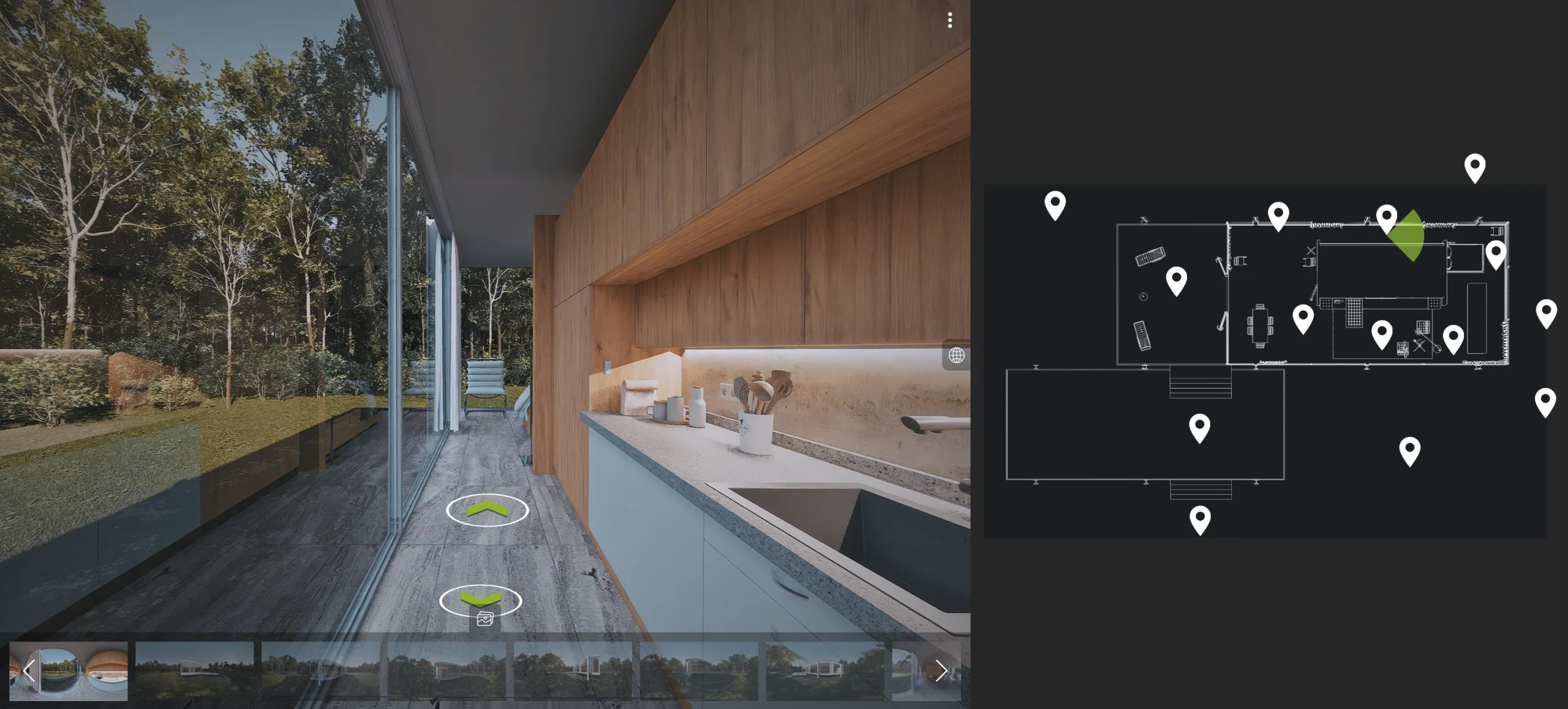
How to use a 360 Panoramic Tour short video:

CoherenceVisual|360 Panoramic Tour

In today’s digital presentation landscape, clarity and immersion matter more than ever.
A 360° panorama allows your audience to:

Grasp the spatial structure of interiors and exteriors.

Experience atmosphere and design intent in context.

Explore the project naturally, at their own pace.

It’s a visualization method that communicates both design and emotion, offering a sense of presence that traditional renders simply cannot match.

One of the greatest strengths of panoramic tours is their scalability.
You can connect as many panoramic scenes as needed — from a single apartment to a large commercial complex or urban environment.

Each scene functions as a navigable hotspot, allowing users to transition between areas while maintaining complete spatial awareness.

Key Benefits:

As easy to handle as a static render — but far more engaging.

Zoom functionality for close inspection of details.

Simple to publish, share, and embed online.

Whether you’re showcasing an architectural concept, a finished property, or a development proposal, 360° panoramic tours ensure every important aspect of your project is presented clearly and memorably.

Every panoramic tour includes an interactive floor plan for easy orientation.
Clickable markers guide users from one room to another, while on-screen arrows make movement intuitive.

Viewers can open the floor plan from a small icon on the side, then follow the route through the entire building — just like a real-world walkthrough.
This makes the experience accessible to all clients, even those unfamiliar with 3D tools.

The Farnsworth House - side elevation - with loungers


A 360 panorama is a spherical image composed of six directions — front, back, left, right, up, and down.
These six perspectives are stitched together to form a seamless immersive sphere that users can rotate freely, as if standing at the center of the room.

It’s an elegant combination of technical precision and visual storytelling, allowing complete spatial exploration from a single fixed point.

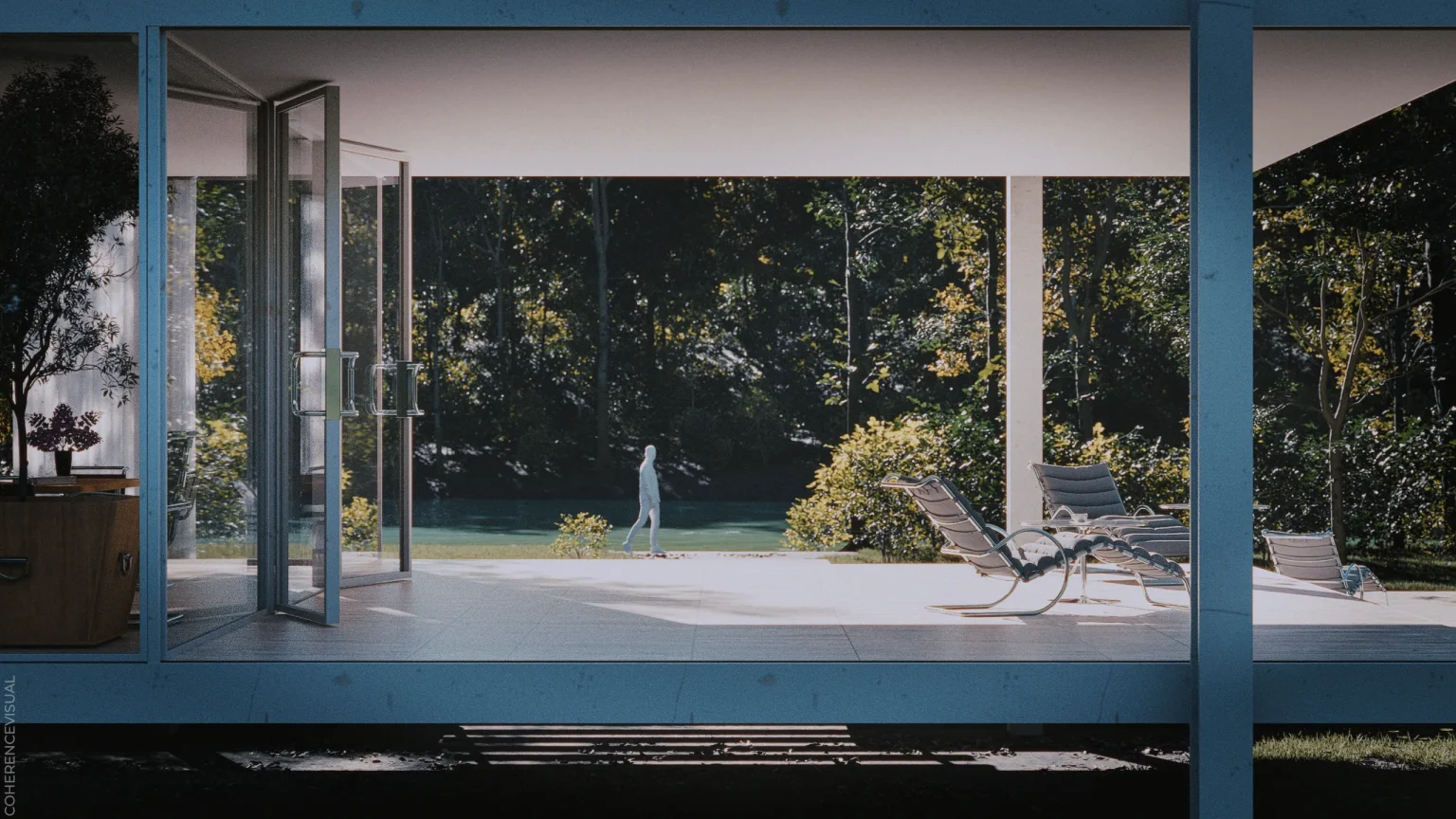
Architectural visualization, Architectural rendering - Farnsworth House entrance with a double door, in front of the doors is a terrace with deck chairs


Imagine standing inside a transparent cube where each wall is covered by part of the image.
As those images connect, they form a continuous environment you can rotate in any direction — a perfect simulation of human vision.

This continuous, edge-free visualization allows the viewer to truly feel the proportions, distances, and lighting of a space.
It’s the difference between looking at a room and being inside it.


Traditional still renders have fixed borders and limited viewpoints.
A 360° panorama, on the other hand, eliminates those boundaries.

Users can turn the view freely to observe spatial relationships, light behavior, and material contrasts.
This holistic experience communicates design intent far more naturally, helping clients understand how spaces connect and flow together.


Multiple panoramas can be linked to form a guided virtual walkthrough.
Instead of jumping randomly, the viewer follows a predefined path that reveals the project step by step — much like a cinematic tour.

This guided approach provides structure and clarity, ensuring every important detail gets the attention it deserves.
It’s especially valuable for multi-story buildings, complex interiors, and large outdoor developments.


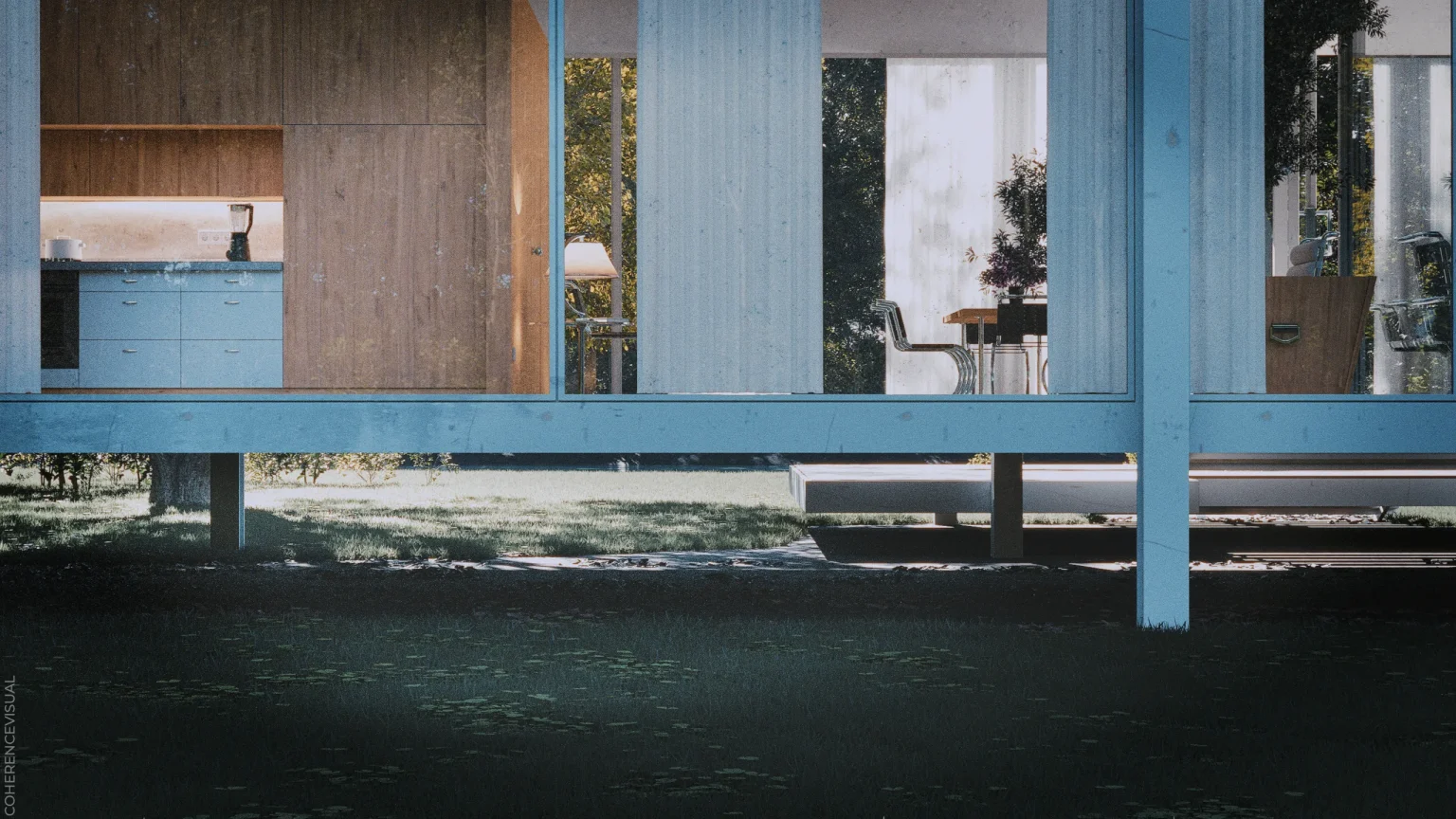
Farnsworth House - back side elevation - You can see the half of the kitchen and tha dining area


While panoramic visualization offers many advantages, there are a few natural limitations to keep in mind.
Because each panorama represents a single viewpoint, it doesn’t allow full free movement as in VR.

Additionally, edge distortion can appear in very wide fields of view — a normal optical effect that occurs when stretching a spherical image to a flat display.

These effects are minor, but understanding them helps ensure a smoother visual experience.

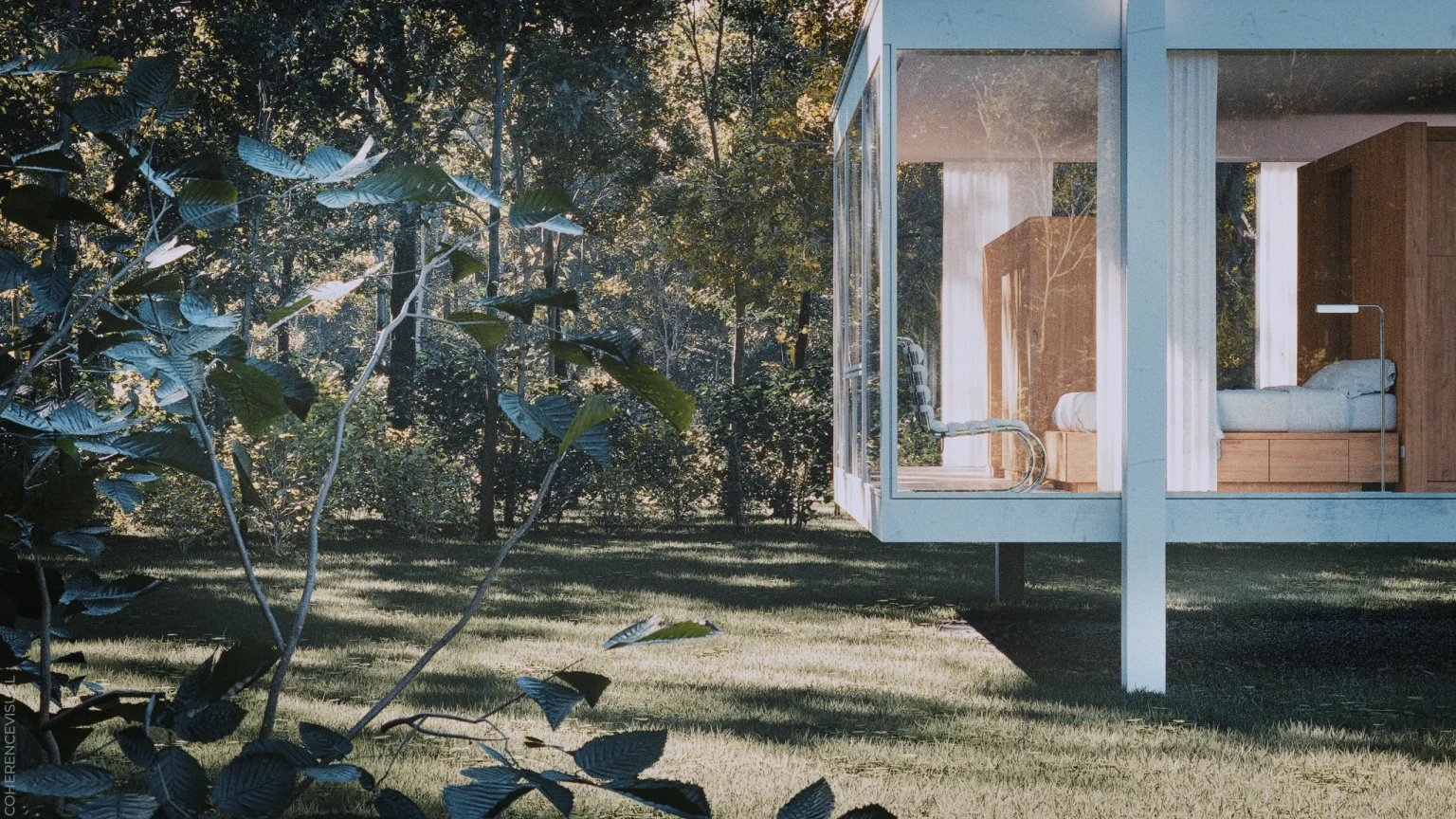
Farnsworth House - back side elevation - You can see the sleeping area with a modern chair


There are two practical ways to minimize visual stretching:

Zooming in slightly – This moves edge areas out of view and focuses on the central, distortion-free region.

Using a floor plan overlay – The plan narrows the visible field and enhances navigation clarity, reducing the sense of stretching.

Together, these methods improve both comfort and usability, ensuring the visualization looks professional on all devices.


One of the biggest strengths of 360° panoramas is how simple they are to distribute.

Embed the tour directly on your website.

Share it via a short link in email or presentation.

Generate a QR code that clients can scan from printed materials or architectural plans.

This seamless integration bridges the gap between digital and physical presentations, allowing instant access from anywhere.

Panoramic visualization is especially recommended for:

Demonstrating spatial relationships and circulation paths.

Presenting large or multi-story buildings.

Showcasing both interior and exterior areas in a unified experience.

Creating interactive presentations for clients and investors.

It’s the perfect balance between realism, interactivity, and simplicity — offering professional impact without the complexity of full virtual reality.

ARCHITECTURAL RENDERINGS - Farnsworth House - back side elevation - You can see the sleeping area and the wardrobe.

360 panoramic tours can be viewed on any device:
desktop, tablet, smartphone, or even touch-enabled displays.

They load quickly, require no special software, and adapt to different screen sizes automatically.
This ensures your project presentation remains accessible, responsive, and professional in every situation.

When to use 360 Panoramic Tour, 360° panoramas are an excellent choice for:

360 Panoramic Tour is especially recommended for:

Demonstrating spatial relationships and circulation paths.

Presenting large or multi-story buildings.

Showcasing both interior and exterior areas in a unified experience.

Creating interactive presentations for clients and investors.

It’s the perfect balance between realism, interactivity, and simplicity — offering professional impact without the complexity of full virtual reality.

Get in touch, let’s work together!

Ready to elevate your architectural presentation?

Let’s collaborate to create a 360 Panoramic Tour that communicates your design vision with clarity, realism, and impact.